
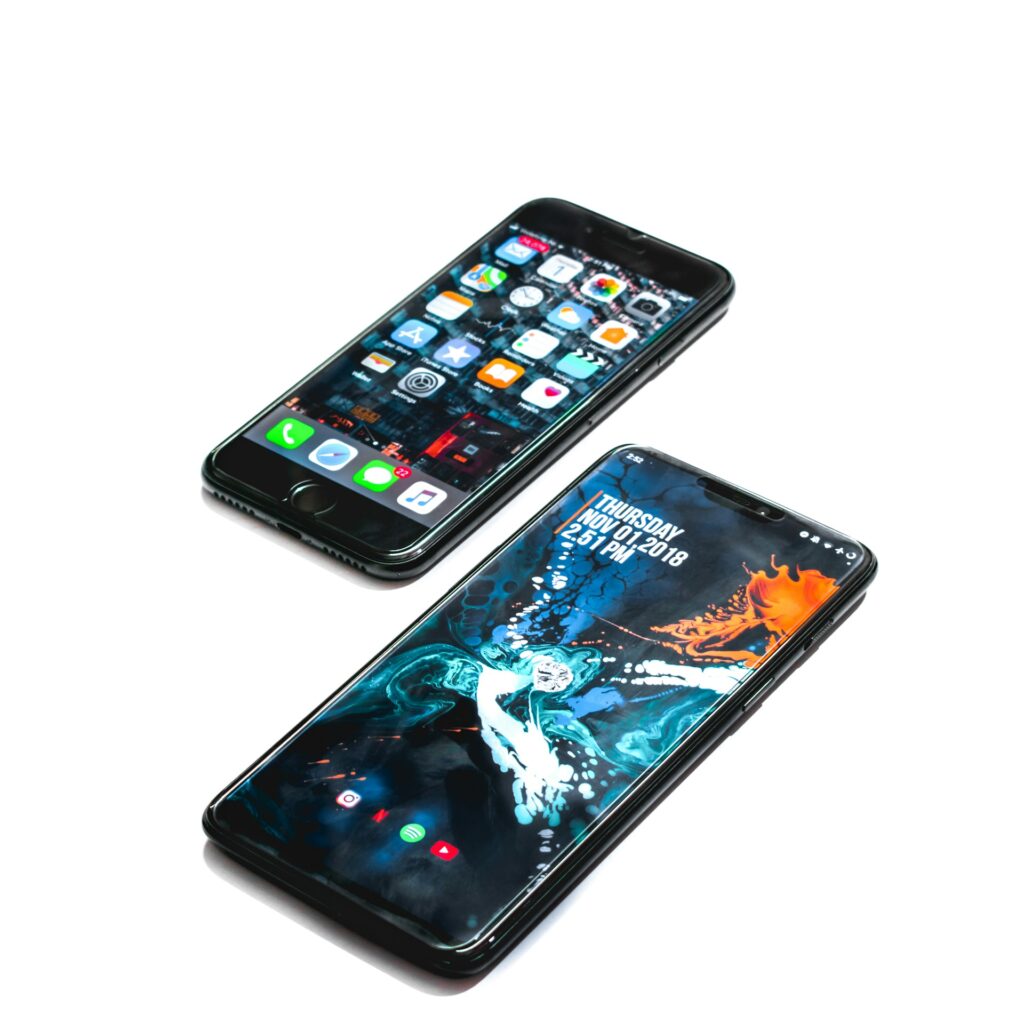
Ever wondered what makes your smartphone smart, or your laptop, well, laptop-y? It’s not magic, it’s an Operating System (OS)! Often working silently in the background, the OS is the fundamental software that manages all the hardware and software on your computer or mobile device. Think of it as the ultimate conductor of a symphony, ensuring every instrument plays in harmony to create a beautiful melody – your seamless digital experience.
But what exactly is an OS, and how does it manage everything from your latest selfie to that urgent work email? Let’s dive in!
The Brains Behind the Machine: What an OS Does
At its core, an Operating System is a collection of programs that acts as an intermediary between you (the user) and the computer hardware. Without an OS, your computer would be a lifeless box of silicon and wires. Here’s a glimpse of its super-powers:
- Memory Management: Imagine juggling multiple tasks – Browse the web, listening to music, and editing a document. The OS allocates and deallocates memory to each program, ensuring they don’t crash into each other and your system runs smoothly.
- Process Management: Every application you open, every click you make, is a “process.” The OS is responsible for starting, stopping, and managing these processes, making sure they get the CPU time they need without hogging resources.
- File Management: From organizing your documents in folders to saving your photos, the OS provides a structured way to store, retrieve, and manage your digital files on storage devices like hard drives or SSDs.
- Device Management: When you plug in a new USB drive, connect to Wi-Fi, or print a document, the OS is the one talking to these external devices, translating your commands into actions they understand.
- User Interface (UI): This is the most visible part of the OS! Whether it’s the familiar desktop on your computer or the touch-friendly screen on your phone, the UI allows you to interact with the device using icons, menus, and gestures.
- Security: The OS also plays a crucial role in protecting your data and privacy by managing user accounts, permissions, and built-in security features.
The Famous Families: Different Types of Operating Systems
While the core functions remain similar, different devices use different operating systems, each tailored to their specific needs and user experiences. Let’s meet some of the most prominent players:
For Your Pocket (Mobile OS):
- Android: Developed by Google, Android is the world’s most popular mobile operating system, powering billions of smartphones and tablets. Its open-source nature means a wide variety of manufacturers (Samsung, Google Pixel, Xiaomi, etc.) can customize and use it. Android is known for its flexibility, extensive app ecosystem (Google Play Store), and deep integration with Google services.
- iOS: Apple’s proprietary operating system for iPhones and iPads. iOS is renowned for its intuitive user interface, strong emphasis on security and privacy, and seamless integration within the Apple ecosystem (iCloud, Apple Watch, Mac). While less customizable than Android, it offers a highly refined and consistent user experience with a robust app store (Apple App Store).
For Your Desktop (Desktop OS):
- Windows: Microsoft Windows is the most widely used desktop operating system globally. Its long history and broad compatibility with hardware and software make it a dominant force. Windows is known for its user-friendliness, extensive software library, and strong support for gaming.
- macOS: Apple’s elegant operating system for its Mac computers. macOS is praised for its beautiful design, powerful creative tools, and seamless integration with iOS devices. It offers a premium user experience and is particularly popular among designers, developers, and creative professionals.
- Linux: An open-source operating system that comes in various “distributions” (like Ubuntu, Fedora, Mint). Linux is known for its stability, security, and flexibility, making it a favorite among developers, system administrators, and those who value customization and control. It’s also the backbone of many servers and supercomputers.
Beyond the Basics: Why Does it Matter?
Understanding what an OS is and how it works helps you:
- Troubleshoot minor issues: Knowing the OS manages processes can help you understand why an application might be slow or unresponsive.
- Make informed decisions: When buying a new device, you can choose an OS that best suits your needs, preferences, and existing ecosystem.
- Appreciate the complexity: It truly is amazing how much goes on behind the scenes to give us such a smooth and powerful digital experience!
So, the next time you effortlessly swipe through your apps or open a document, take a moment to appreciate the unsung hero working tirelessly in the background: your Operating System. It’s the silent force that brings your digital world to life!
