
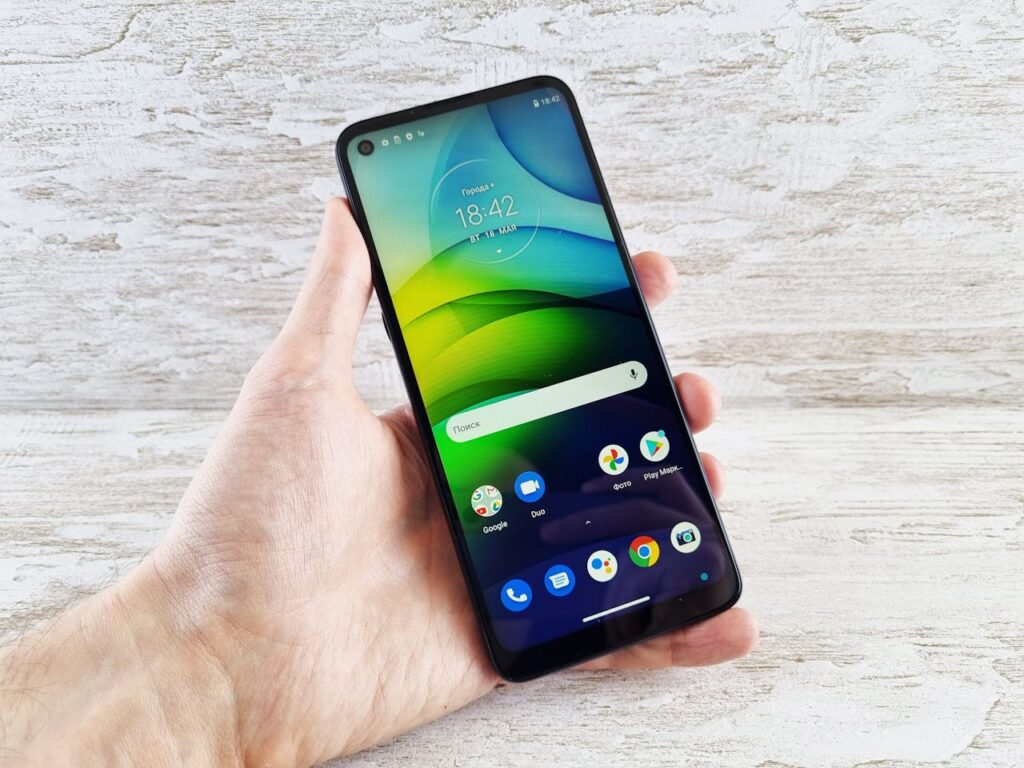
The wait is over! Google has officially rolled out Android 16, internally codenamed “Baklava,” ushering in a new era of innovation, productivity, and a more delightful user experience. While the initial stable release on June 10, 2025, primarily for Pixel devices, lays the groundwork, exciting new features and a visual overhaul are set to arrive in subsequent quarterly updates. Let’s dive into everything you need to know about Android 16.
The Sweet Release: When and Where?
Android 16 began its phased rollout on June 10, 2025, starting with supported Google Pixel devices (Pixel 6 and newer, including Pixel Tablet and Fold models). Other popular brands like Samsung, Xiaomi, OnePlus, and Motorola are expected to follow with their own implementations throughout 2025. This earlier-than-usual stable release signals Google’s commitment to a more accelerated development and deployment cycle for Android.
A Taste of What’s New: Key Features in Android 16
Android 16 focuses on enhancing core aspects of the user experience, from notifications to multitasking and security. Here’s a breakdown of some of the most anticipated features:
1. Material 3 Expressive Design:
Get ready for a visual treat! Android 16 is laying the foundation for Material 3 Expressive, a significant overhaul of the Material Design language. Expect more vibrant colors, cleaner fonts, and smoother animations, with wallpaper-based themes that adapt in real-time. While some of these design elements will arrive in later quarterly updates (Q3 2025 onwards), the groundwork is already in place.
2. Streamlined and Smarter Notifications:
Tired of notification overload? Android 16 has you covered:
- Live Updates: Track your food delivery or ride-share in real-time, right from your notifications, without needing to open the app. This feature is launching with compatible apps and extending to platforms like Samsung’s Now Bar and OPPO/OnePlus’ Live Alerts.
- Auto-grouping: Notifications from a single app will now be automatically grouped, reducing clutter and making your notification shade cleaner and more organized.
- Notification Cooldown: A much-requested feature to help manage rapid-fire notifications.
3. Enhanced Productivity and Multitasking (Especially for Large Screens):
Android 16 is a game-changer for tablets, foldables, and external displays:
- Desktop Windowing: In collaboration with Samsung (building on DeX), Android 16 introduces a new way to interact with apps on large screens. You can now open, move, and resize multiple app windows, much like a traditional desktop environment. This will roll out later in the year on compatible devices.
- Connected Displays Support (Developer Preview): Transform your Android device into a powerful desktop by connecting it to an external display. This developer preview, available with Android 16 QPR1 Beta 2, allows for flexible window tiling and multiple desktop sessions.
- Custom Keyboard Shortcuts: Create your own hotkey combinations for faster navigation and app launching.
- Taskbar Overflow: A simple visual way to find the app you need when your taskbar is full.
4. Stronger Security in a Single Tap:
Your privacy and security are paramount:
- Advanced Protection: Google’s strongest mobile device protection can now be activated with a single tap. This enables robust security features against online attacks, harmful apps, unsafe websites, and scam calls.
- Trade-in Mode: A new mode to enhance the trade-in experience and provide trustworthy access to diagnostics on a wiped device, ensuring privacy.
- Privacy Sandbox Integration: The latest version of Privacy Sandbox in Android 16 further enhances data protection, especially with updates to the SDK Runtime.
5. Accessibility for All:
Android 16 continues to improve accessibility features:
- Clearer, Simpler Calling with Hearing Devices: Significant enhancements for hearing aid users, allowing them to switch to the phone’s microphone for clearer calls in noisy environments. Native control for hearing devices is also being released for easier access.
6. Camera Enhancements for Professionals and Enthusiasts:
Capture stunning photos and videos with new camera capabilities:
- Night Mode Scene Detection: Helps your app know when to switch to and from a night mode camera session.
- Hybrid Auto-Exposure: Manually control specific exposure aspects while letting the auto-exposure algorithm handle the rest.
- Precise Color Temperature and Tint Adjustments: Better support for professional video recording applications.
- Motion Photo Capture Intent Actions: Easier than ever to capture motion photos with new standard Intent actions.
- UltraHDR Images Improvements: Continued enhancements with support for HEIC encoding and new parameters from the ISO 21496-1 draft standard.
- Advanced Professional Video (APV) Codec: Improves Android’s standing in professional recording and post-production workflows with perceptually lossless video quality.
7. Under the Hood Improvements:
Android 16 also brings a host of technical advancements:
- Predictive Back Navigation: Extended to three-button navigation, allowing users to glimpse the previous screen before navigating back. Apps targeting Android 16 are now required to support the predictive back gesture.
- Edge-to-Edge by Default: Apps targeting Android 16 can no longer opt-out of going edge-to-edge, ensuring a more consistent and immersive user interface.
- Measurement System Customization: Allows users to choose their preferred measurement system.
- Embedded Photo Picker: New APIs enable apps to embed the photo picker directly into their view hierarchy and search from cloud media providers.
- Battery Health Metrics: A new system for tracking battery capacity and health.
- Minor SDK Releases: Google will now have minor SDK releases (like the Q4 2025 release) to iterate APIs more quickly.
What’s Next for Android 16?
While the initial stable release is out, Google has indicated that many of the more significant visual and productivity enhancements, particularly those related to Material 3 Expressive and advanced multitasking, will arrive in subsequent quarterly platform releases (QPRs) throughout 2025. This means your Android 16 experience will continue to evolve and improve in the coming months.
Android 16, or “Baklava,” is more than just an incremental update. It’s a testament to Google’s continuous effort to refine the Android experience, focusing on greater usability, enhanced security, and powerful tools for both everyday users and power users. Get ready to enjoy a sweeter, smarter, and more secure Android!
